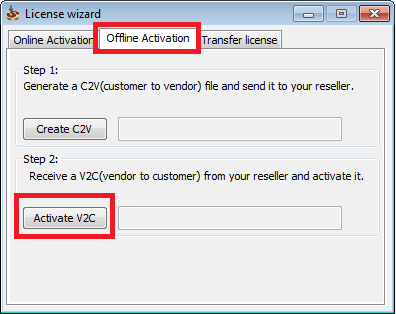
Online Activation:
To activate your SolidCAM license with a product key, go through the following steps:
- Open the activation program from Start->All Programs->SolidCAM->Software license
- Type your product key in the "Product key" field.
- Type your email in the "Email address" field.
- Press "Activate".
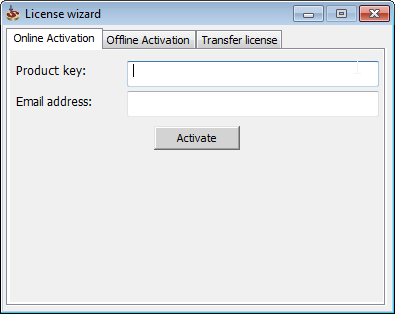
Offline Activation:
To activate your SolidCAM license with a product key offline, go through the following steps:
- Open the license wizard from Start->All Programs->SolidCAM->Software license
- Open "Offline Activation" tab.
- Press "Create C2V" and select the where you want to save the file.
- Send the ".C2V" file to your local reseller, and in return he will send you a ".V2C" file.
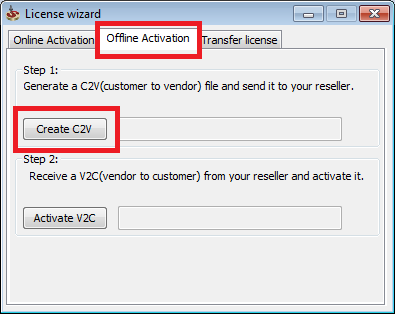
To install the ".V2C" file
- Open the license wizard from Start->All Programs->SolidCAM->Software license
- Open "Offline Activation" tab.
- Press "Activate V2C" and select the .v2c file.